What you look at,
you become.
Hand-painted 4K wallpapers for Mac and PC. One idea per canvas, painted with a knife, not a filter. Download once, keep forever.
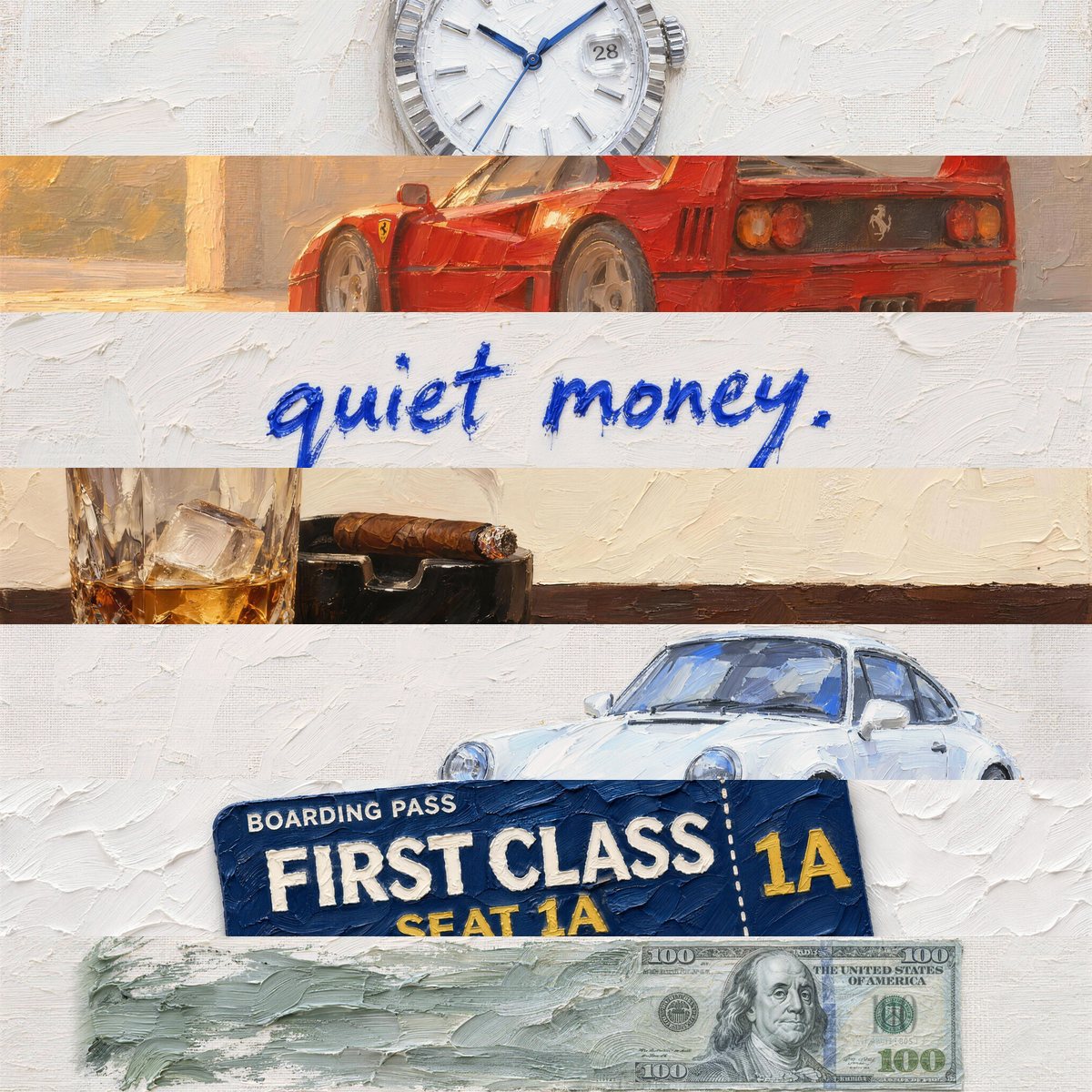

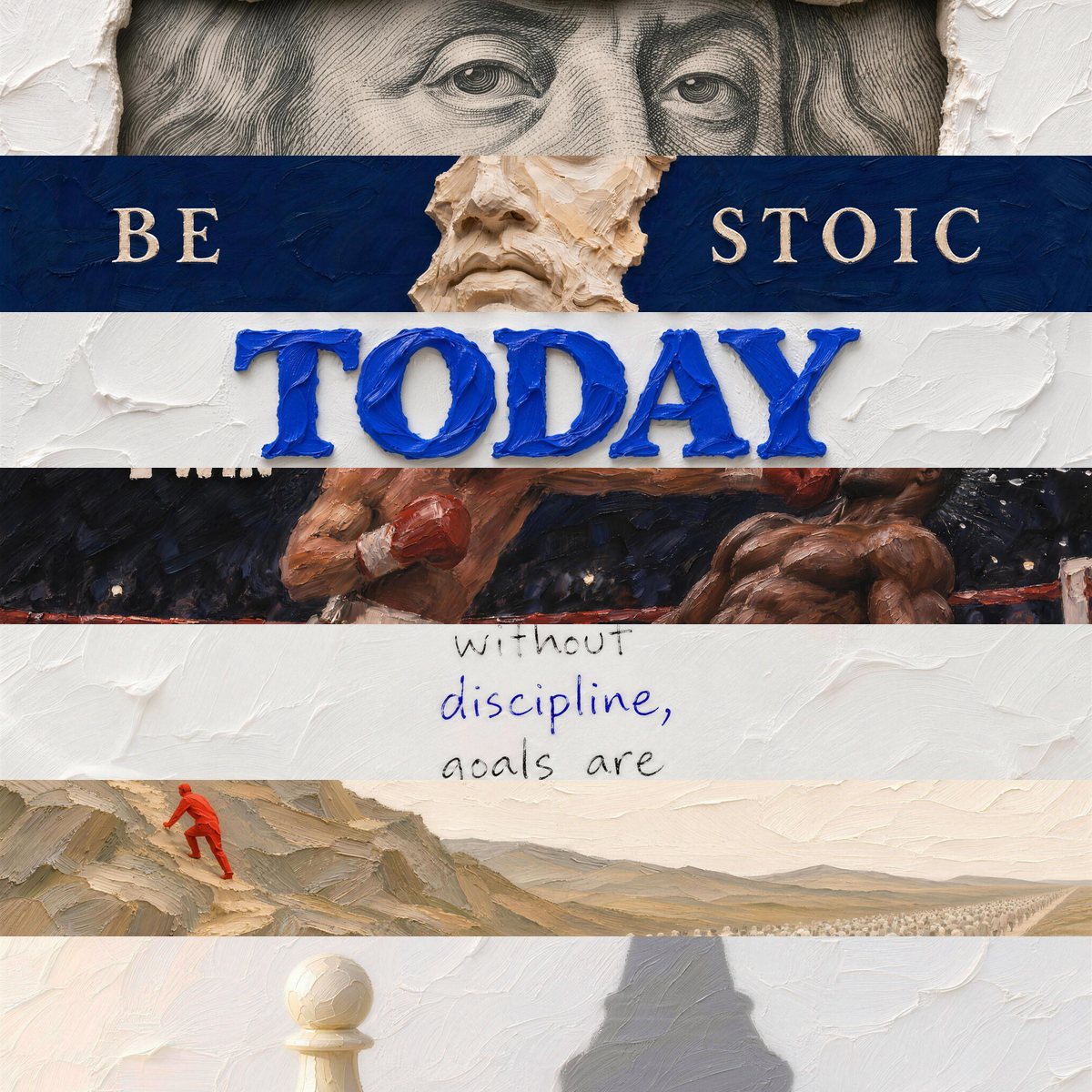
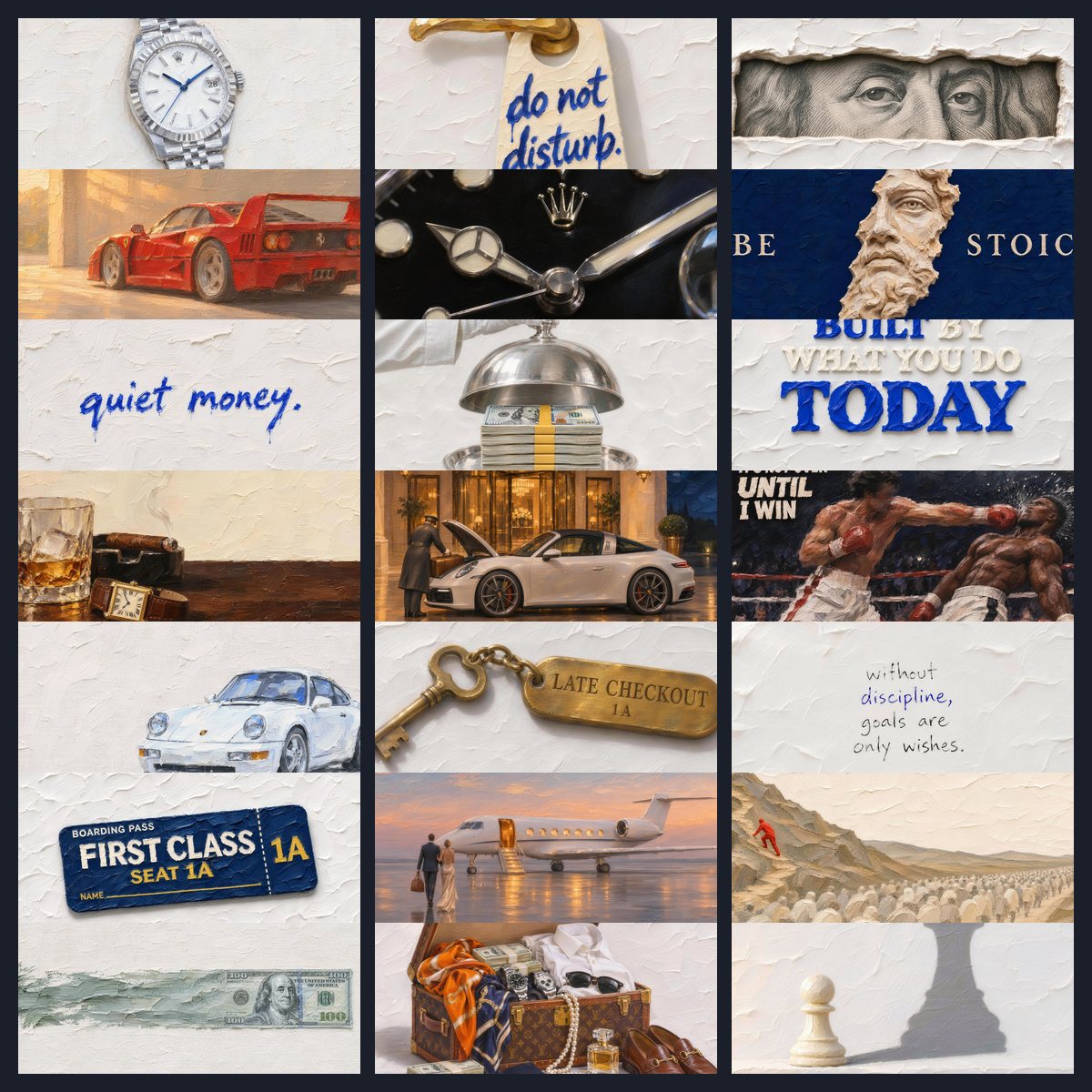
See the difference.
Drag the line to compare your desktop before and after.
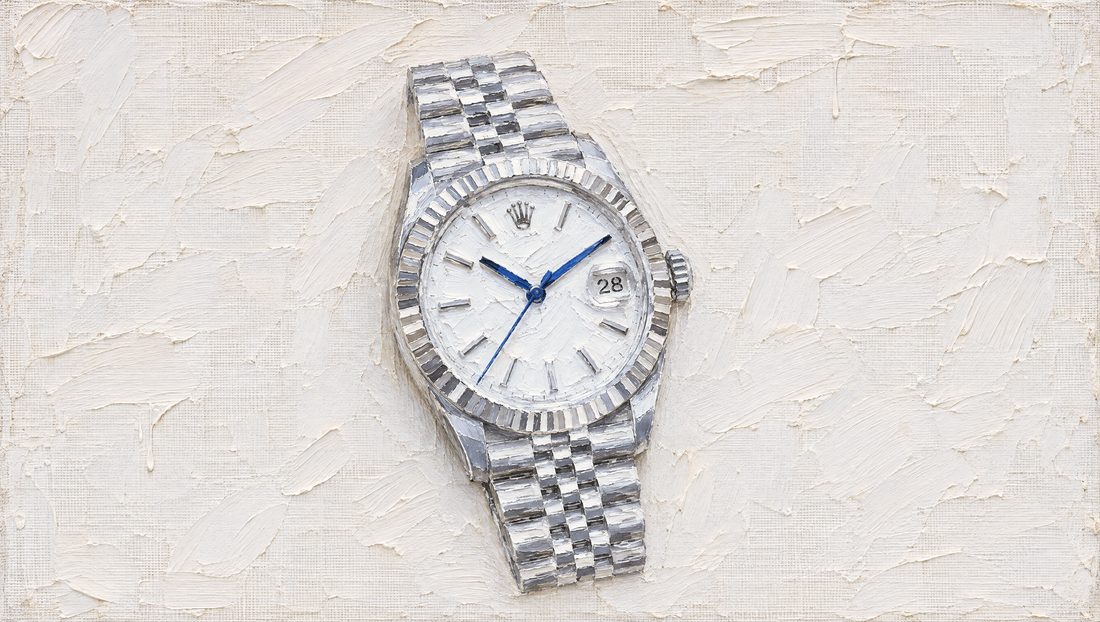
Not sure yet? Take one canvas free and live with it for a week.
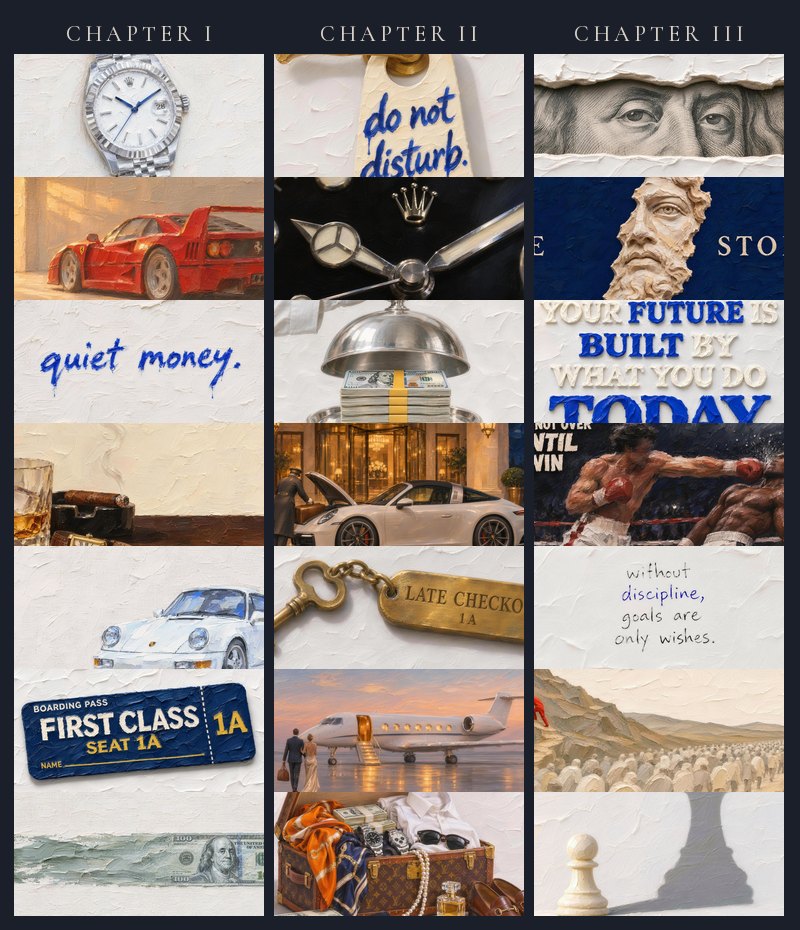
Pick your chapter.
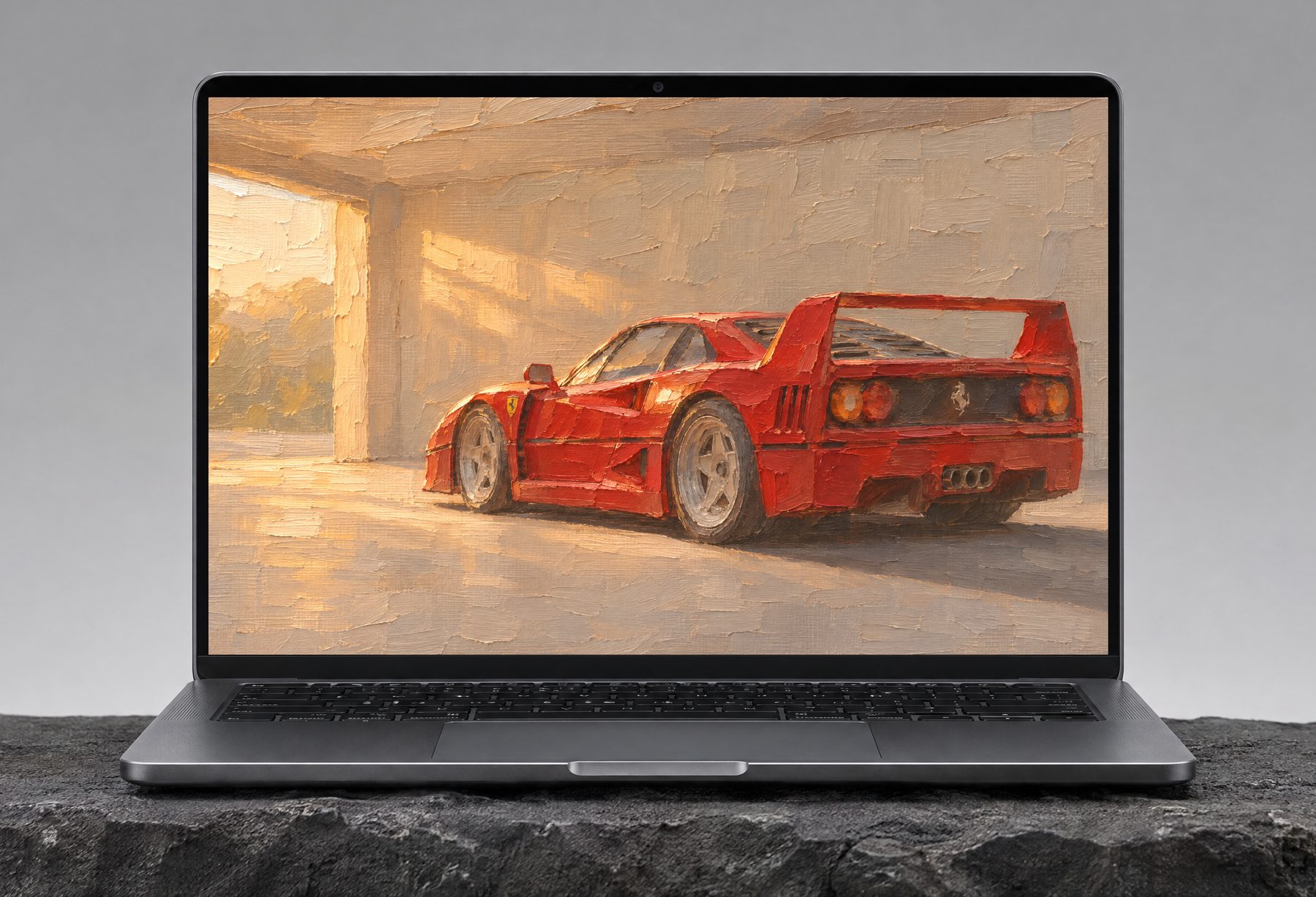
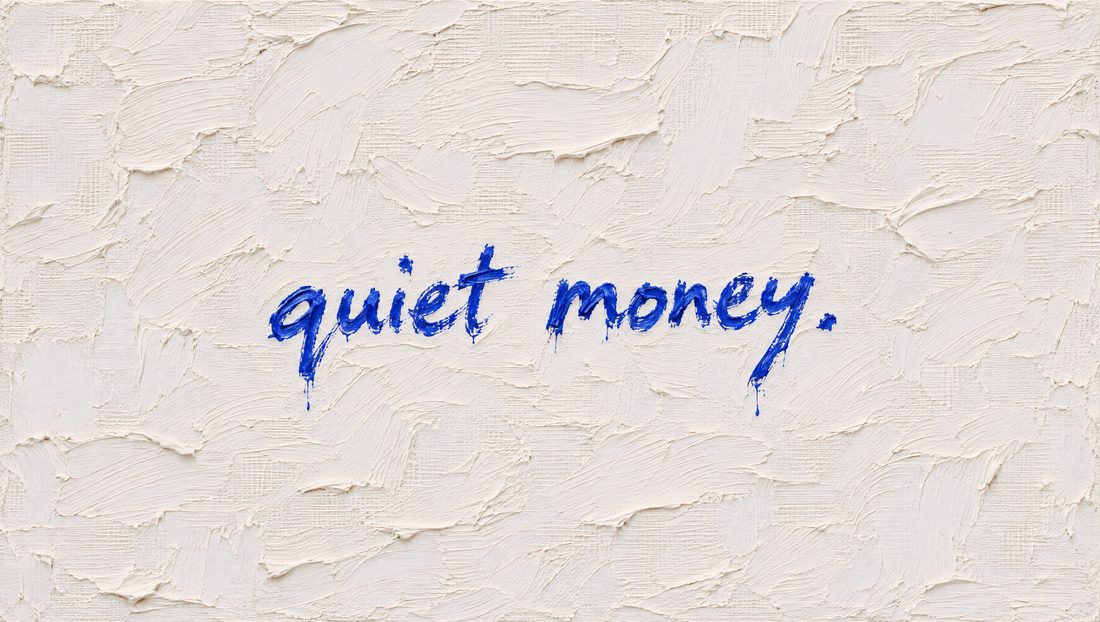
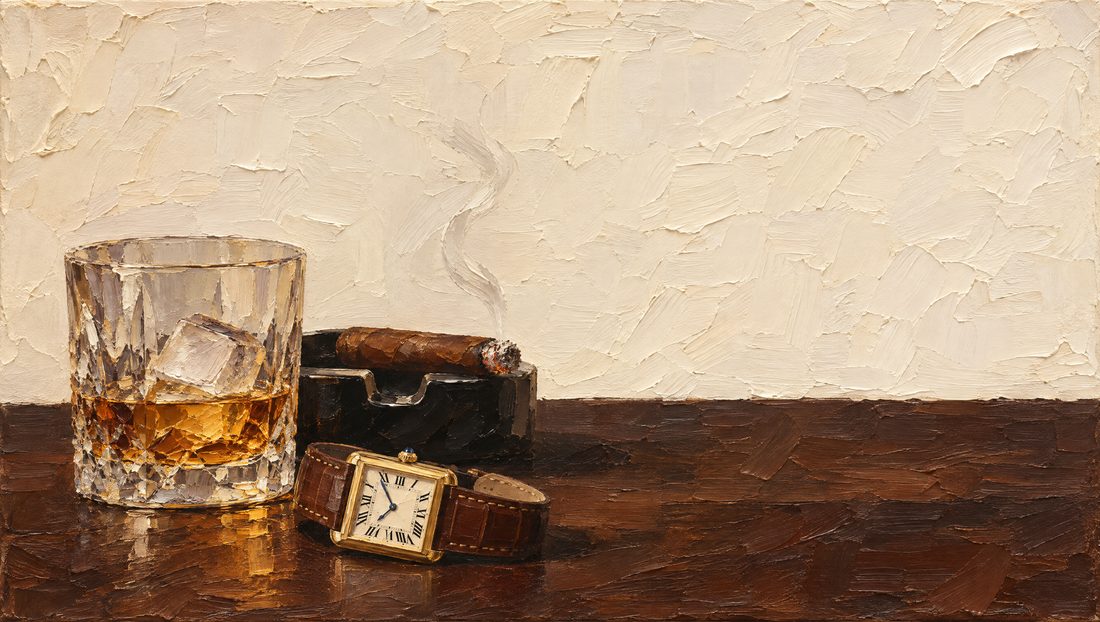
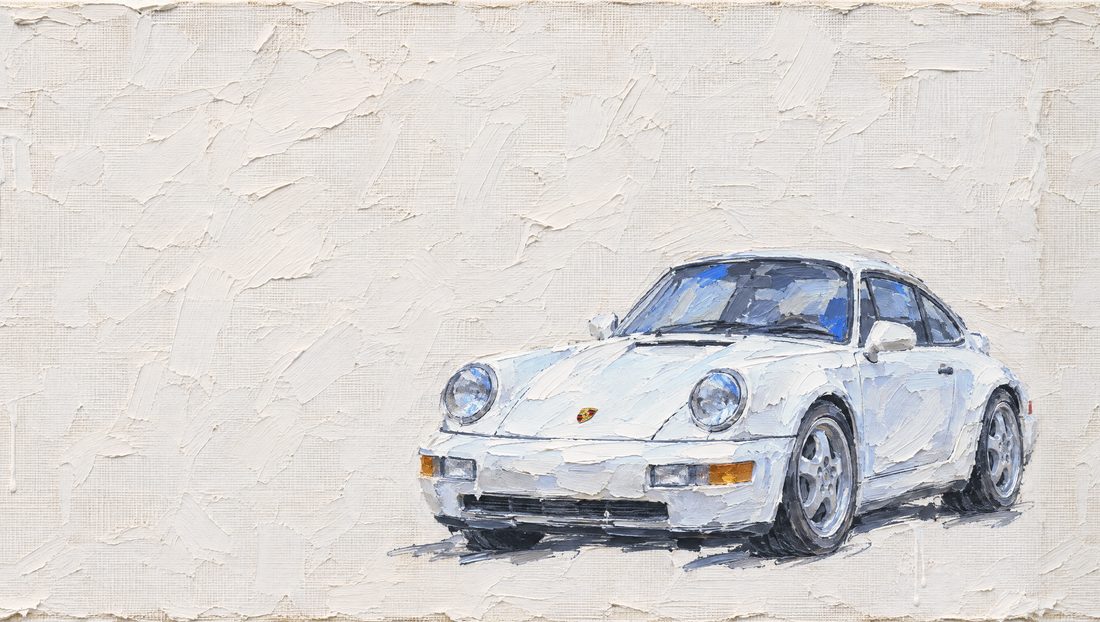
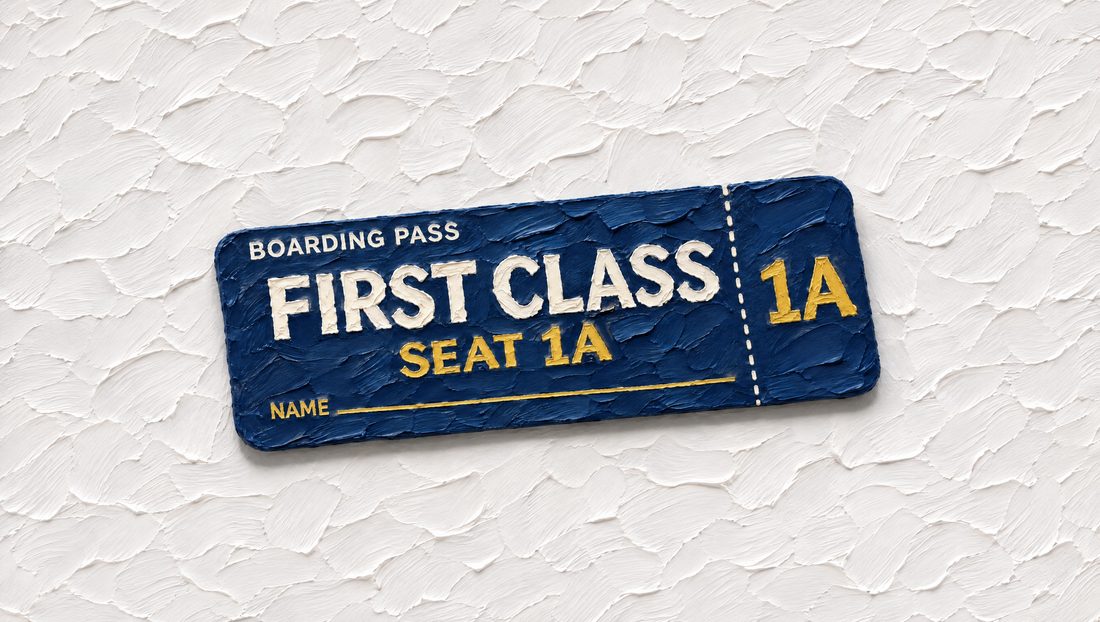
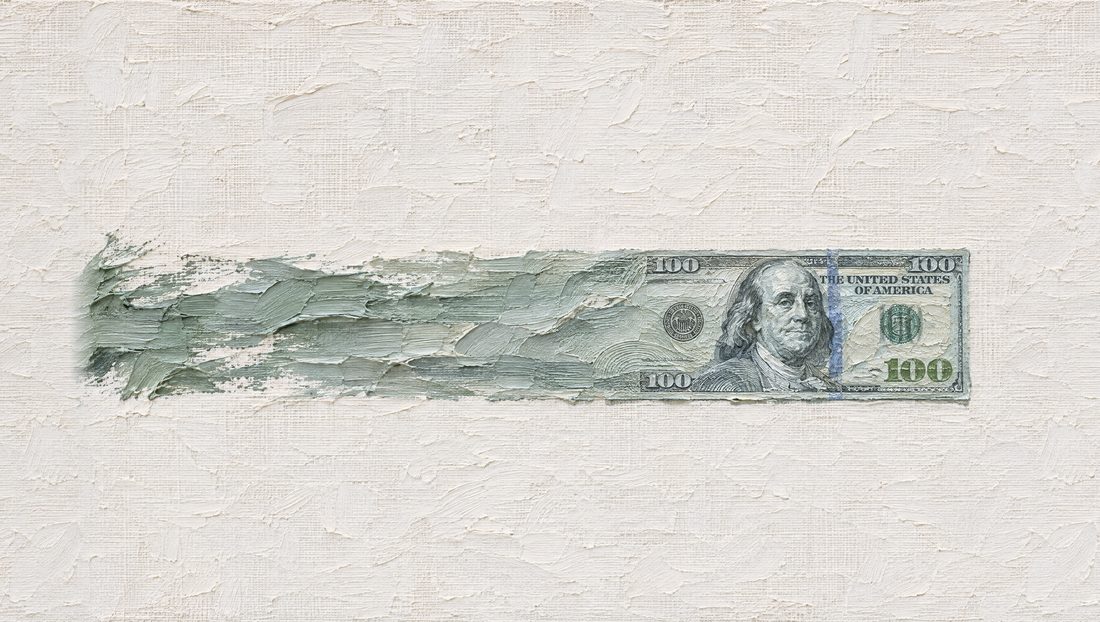
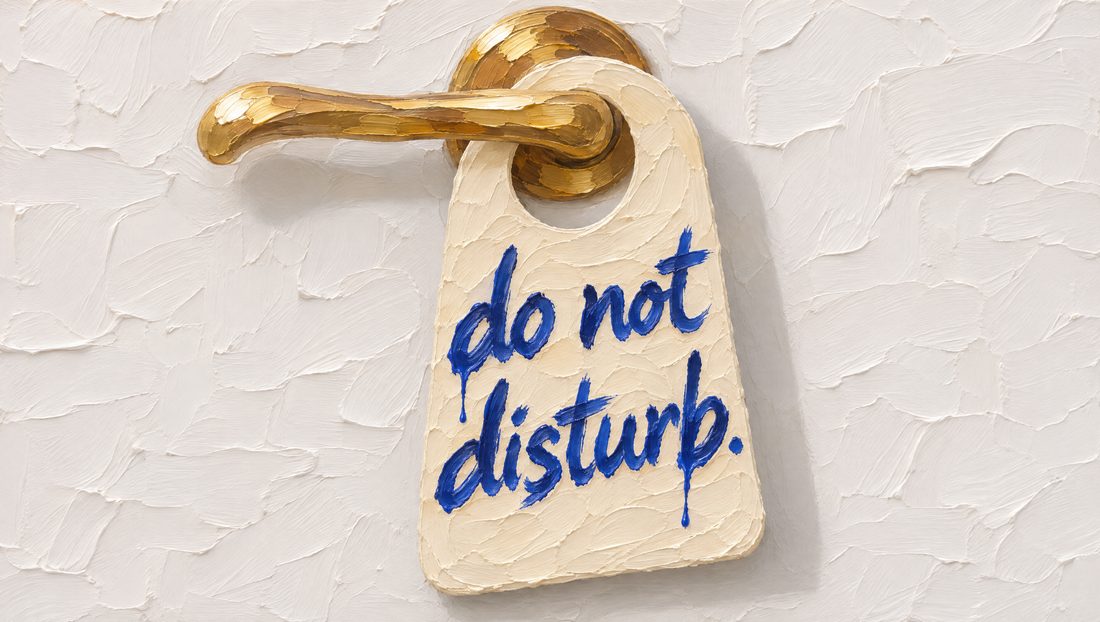
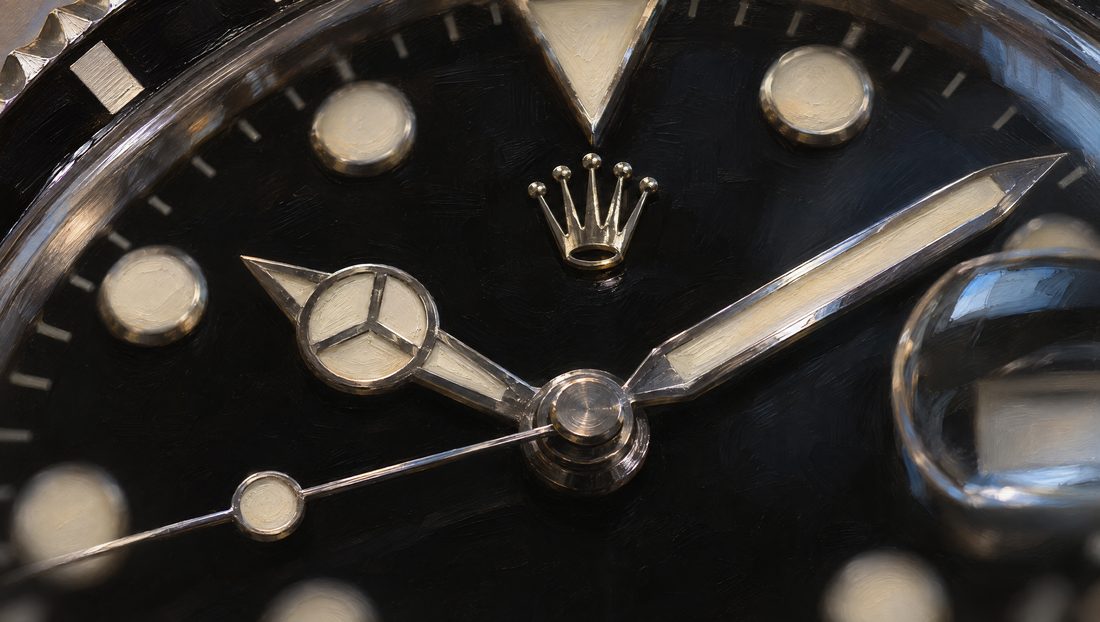
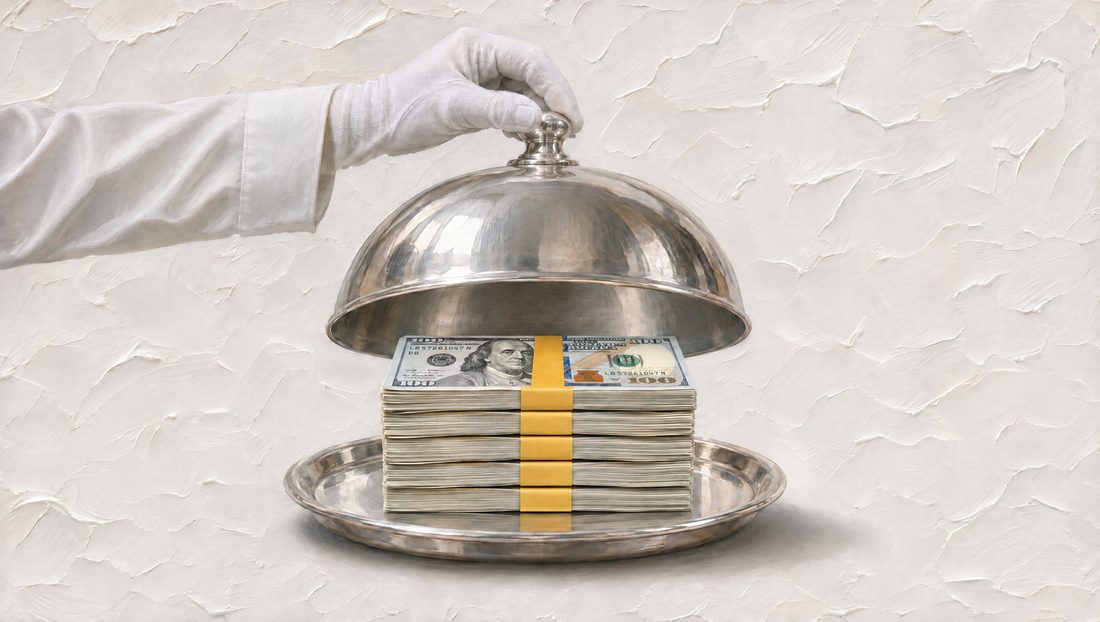

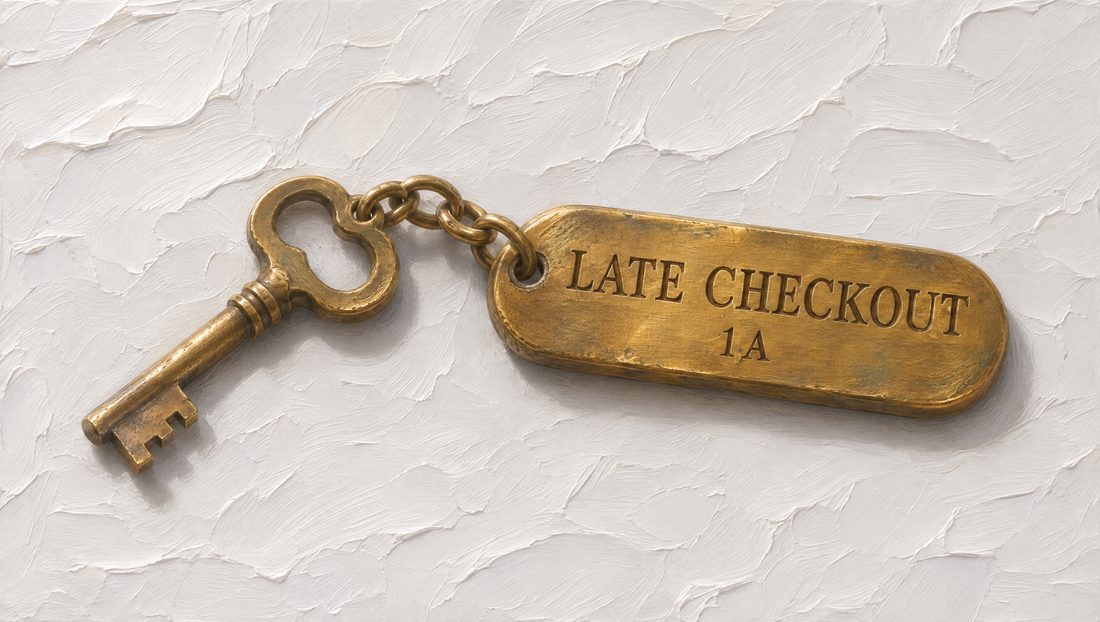
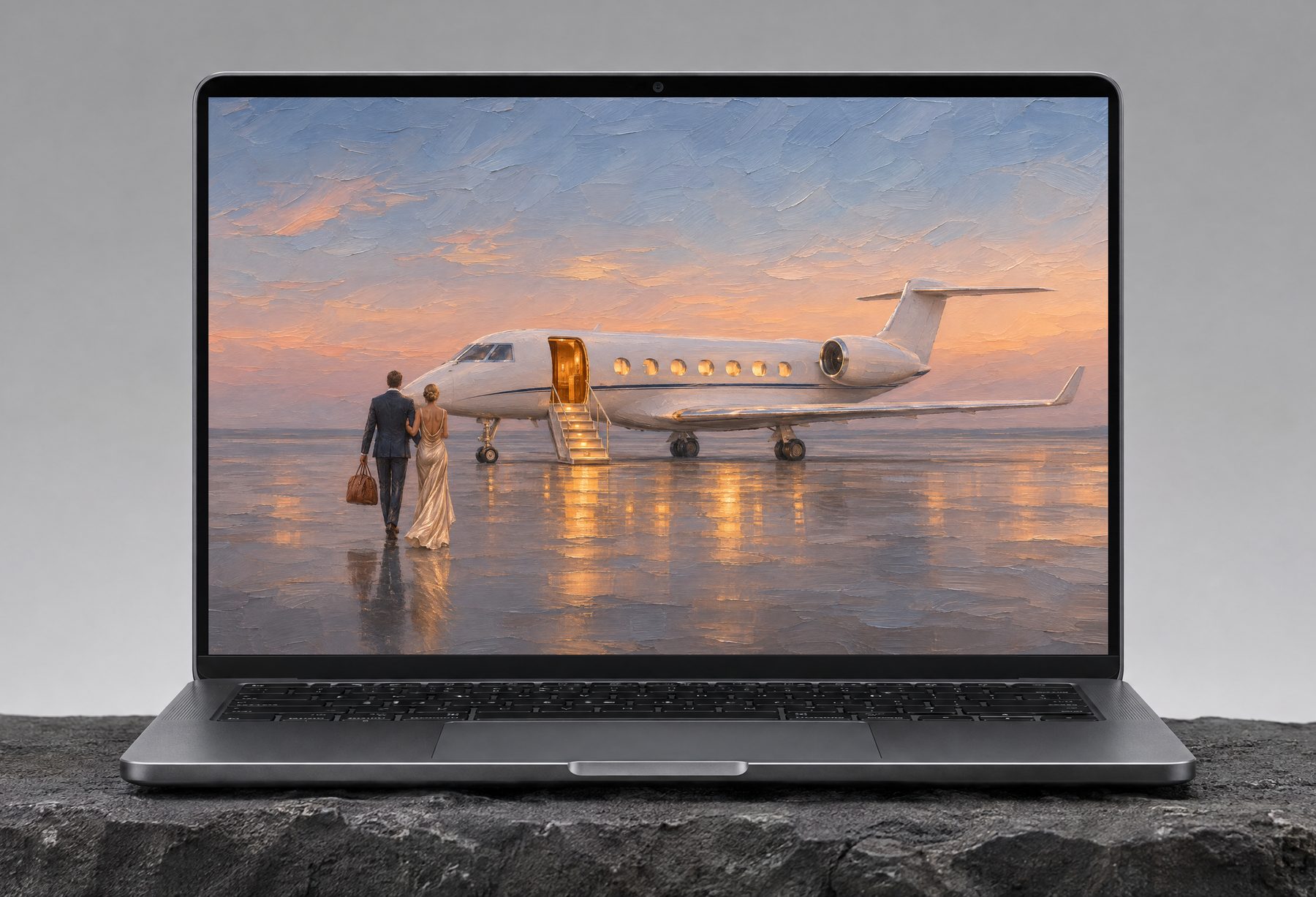

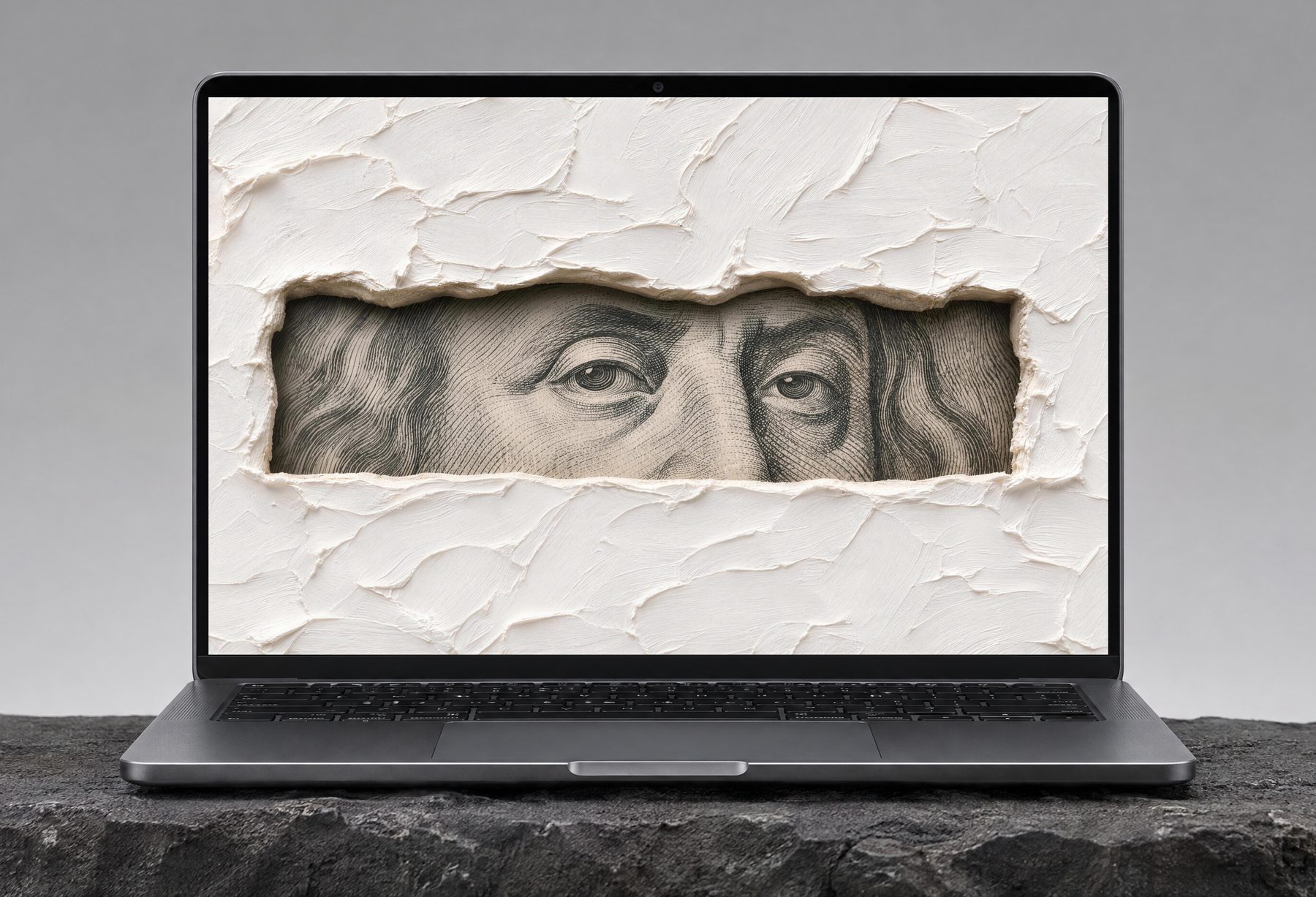
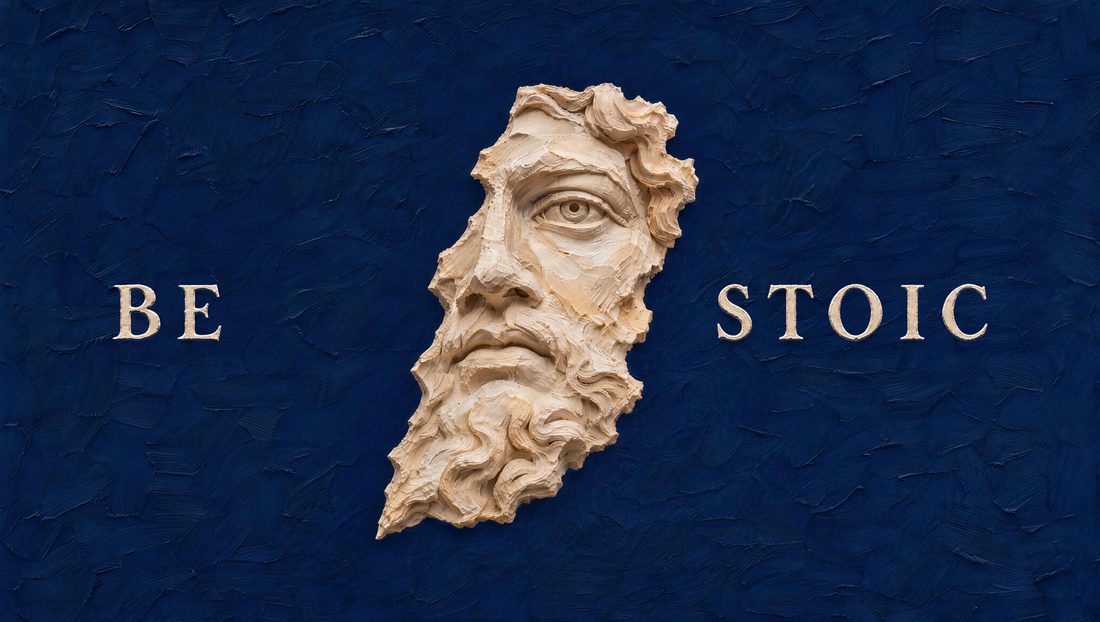
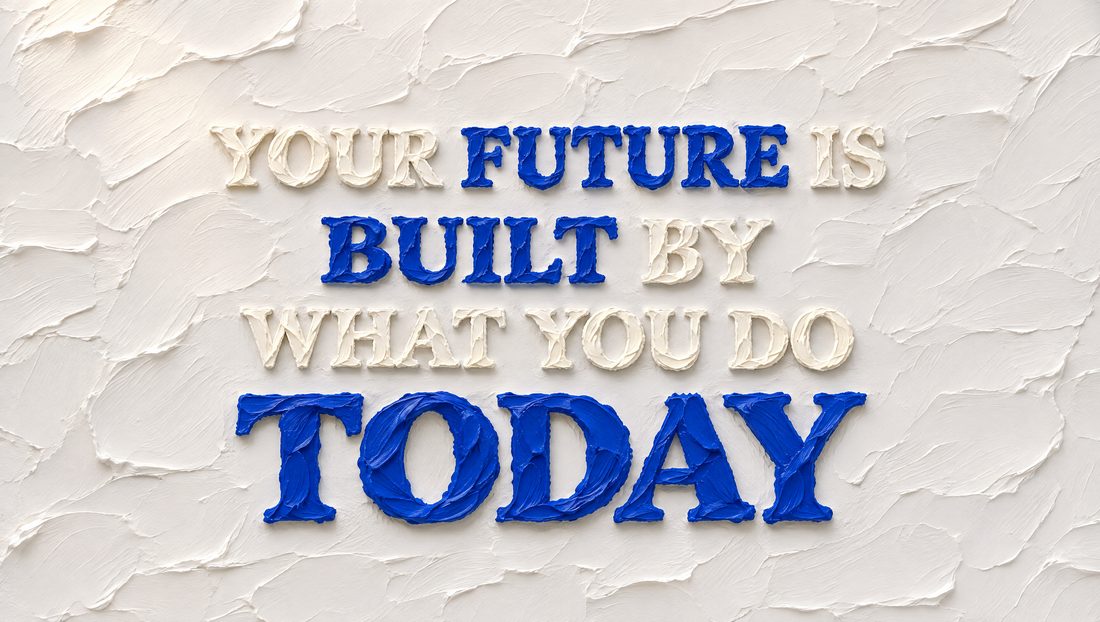
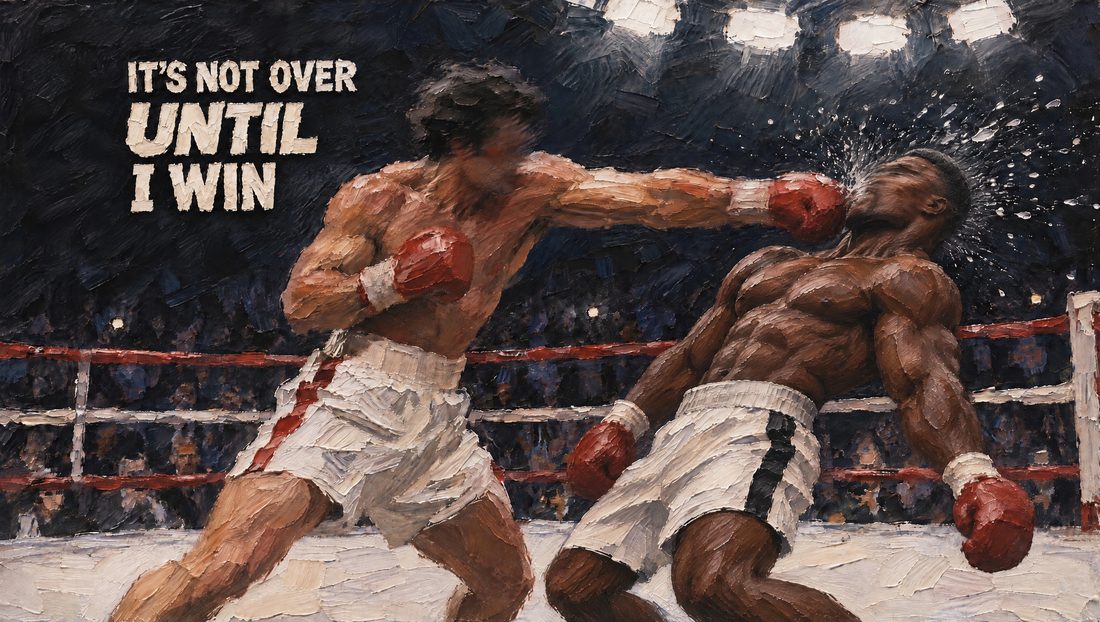
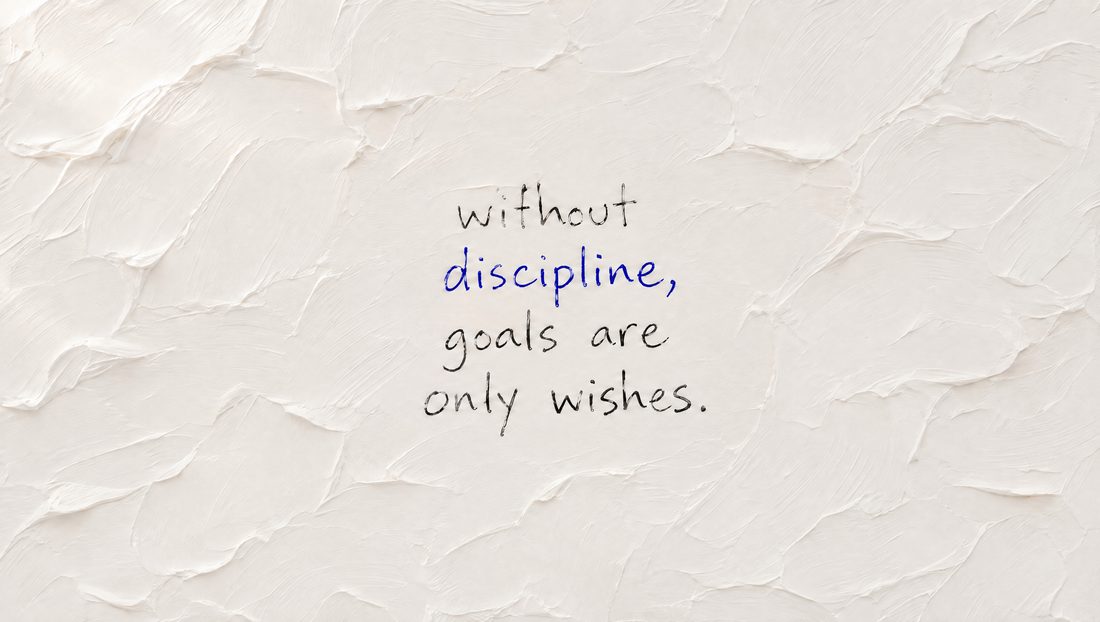
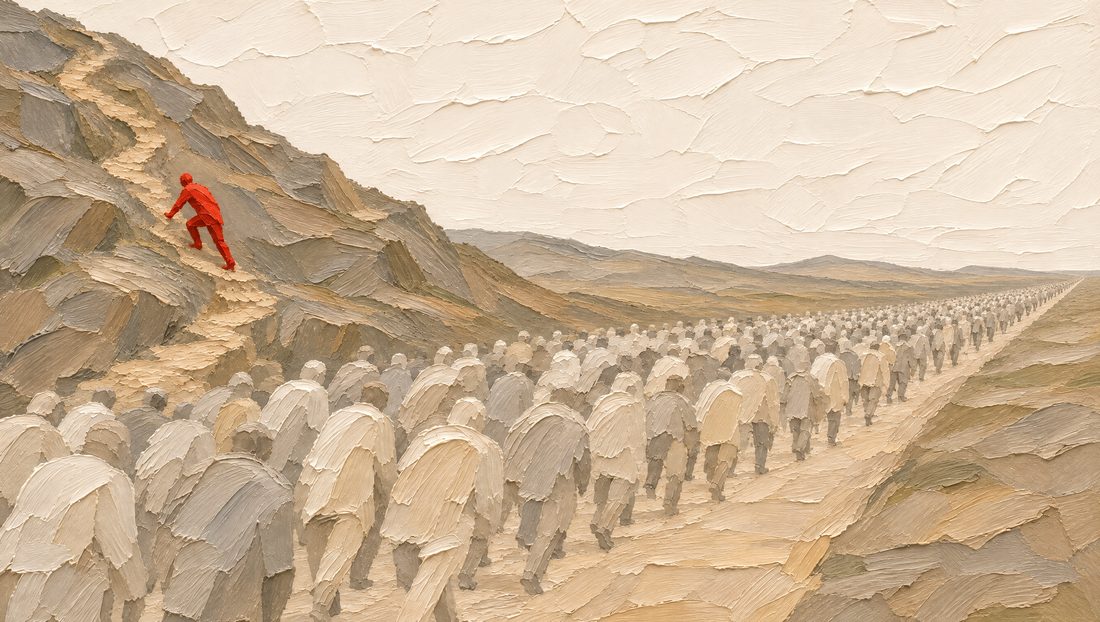
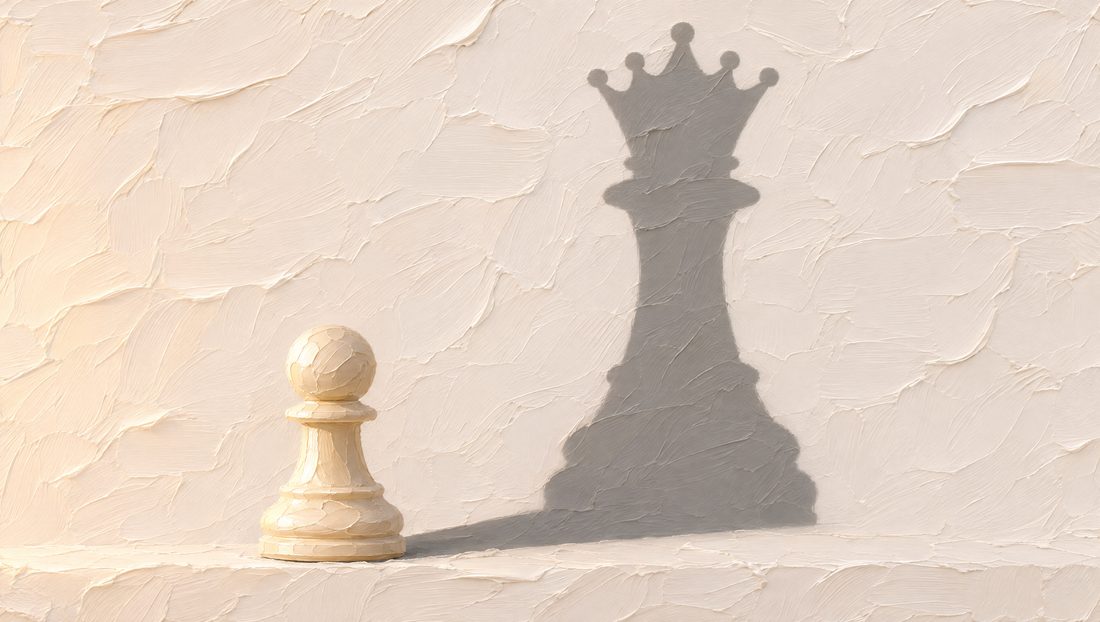
Exactly what you get.
No marketing numbers. The actual files, the actual terms.
Before you join.
Why wallpapers?
You open your laptop fifty times a day. The thing you see first is either noise, or a reminder of what you are building. We make the second kind.
How do I get the files after I pay?
Instantly. A download link lands in your inbox the second checkout completes. No account, no app.
Will it fit my screen?
Every chapter includes a true 3840 × 2160 file for Mac and PC, checked on both 16:9 monitors and 16:10 MacBook screens so the subject never gets cropped. Some chapters also include a vertical iPhone version; the product card says which.
How do I set it up?
Mac: System Settings → Wallpaper → Add Photo, or Add Folder to rotate the whole chapter. Choose Fill Screen. Each Desktop keeps its own wallpaper, so every Space can have its own canvas. Windows: right-click the file → Set as desktop background.
Can I try one first?
Yes. One canvas from Chapter I is free, full 4K, no watermark. Take it here and live with it for a week.
Are these AI images?
They are painted compositions built one at a time, reviewed and corrected by hand until they hold up on a 27-inch screen. If a canvas looks digital, it does not ship.